This lesson is only available in Korean for now.
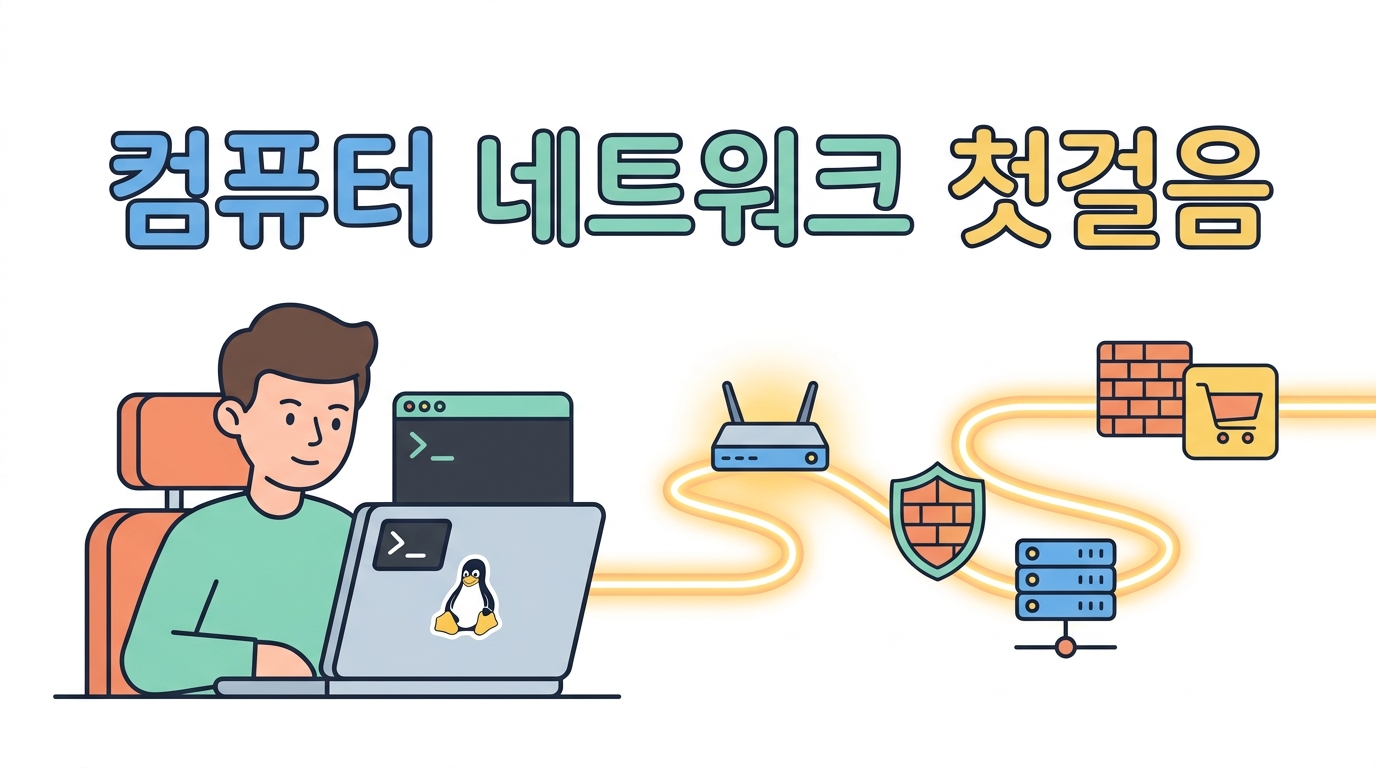
Dr. Son's Computer Networks, First Steps

From the signal in the cable
to running a store server

An introduction to networks for the person who has just been handed an e-commerce server — analogies instead of jargon, and typing the commands yourself instead of only reading about them.
A whole virtual Ubuntu server is assigned to you. Nothing you do to it can go wrong.

🐧 Ubuntu🌐 TCP/IP🔒 HTTPS ⚙️ NGINX🛒 e-commerce🇬🇧 English
Start lesson 1 →

How you'll learn

📦Understanding by analogy

An IP address is a street address, a port is a flat number, a proxy is the front desk. Unfamiliar ideas are explained in terms of things you already know.

▶️Typing it yourself

Every command has a run button. It all runs on the virtual server that is yours alone, so break it as much as you like.

💥Breaking it on purpose

Block yourself with the firewall, cause a 502, delete the DNS record. You have to live through a fault before you can fix one.

🩺How to diagnose

You learn the routine that takes you from “the site won't open” to the culprit in five minutes.

Full curriculum

01
신호 — 랜선 안에서 벌어지는 일
네트워크의 가장 작은 조상
✓
02
패킷 — 편지를 조각내 봉투에 넣기
데이터를 나르는 기본 단위
✓
03
IP 주소 — 인터넷의 집 주소
전 세계 어디든 찾아가는 번호
✓
04
서브넷 — 우리 동네의 경계선
/24 가 도대체 무슨 뜻인가
✓
05
라우팅 — 길 찾기와 게이트웨이
패킷은 전체 경로를 모른 채 떠난다
✓
06
TCP와 UDP — 등기우편과 엽서
누가 '잘 받았는지' 확인해 주는가
✓
07
포트 — 건물 안의 호수
서버 한 대가 여러 서비스를 하는 법
✓
08
DNS — 인터넷의 전화번호부
이름을 주소로 바꾸는 거대한 분업 체계
✓
09
HTTP — 웹의 주문서
브라우저와 서버가 주고받는 말의 형식
✓
10
우분투 네트워크 설정 — netplan
서버에 고정 IP를 박는 법
✓
11
방화벽 — 열 문만 열어 두기
ufw 로 5분 만에 잠그기
✓
12
NGINX — 손님을 맞는 프런트 데스크
설정 파일 한 장 읽기
✓
13
HTTPS — 자물쇠는 어떻게 채우나
TLS 인증서를 이해하고 붙이기
✓
14
리버스 프록시 — 뒤에 있는 앱에게 넘기기
502의 정체와 X-Forwarded-For
✓
15
로드밸런싱 — 계산대를 늘리기
한 대가 죽어도 쇼핑몰은 열려 있게
✓
16
세상에 내보내기 — NAT · CDN · 터널
사무실 구석의 서버를 전 세계에 여는 법
✓
17
모니터링 — 지금 우리 서버는 괜찮은가
손님이 신고하기 전에 먼저 아는 법
✓
18
장애 진단 — '사이트가 안 열려요'
5분 안에 범인을 좁히는 절단법
✓
19
보안 — 스캐너·봇·DDoS 막기
전자상거래 서버는 늘 노려지고 있습니다
✓
20
성능 튜닝 — 느린 쇼핑몰 빠르게
네트워크로 할 수 있는 마지막 한 뼘
✓